
CR Essentials User Types
CR Essentials has 4 types of possible users. The first three types are meant for the company staff and one for client's caregiver.
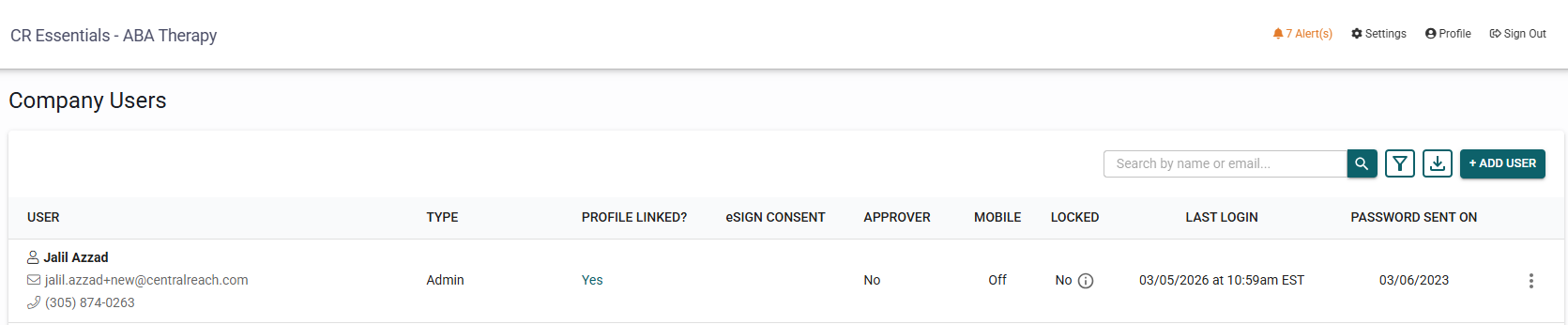
- Admin - This user type is meant to be for the owner or owners of the company. An account will always have a minimum of one admin. This primary admin can not be deleted and because it is the admin, with all permissions to access, edit, archive, and delete. Admins are counted towards the monthly invoice.
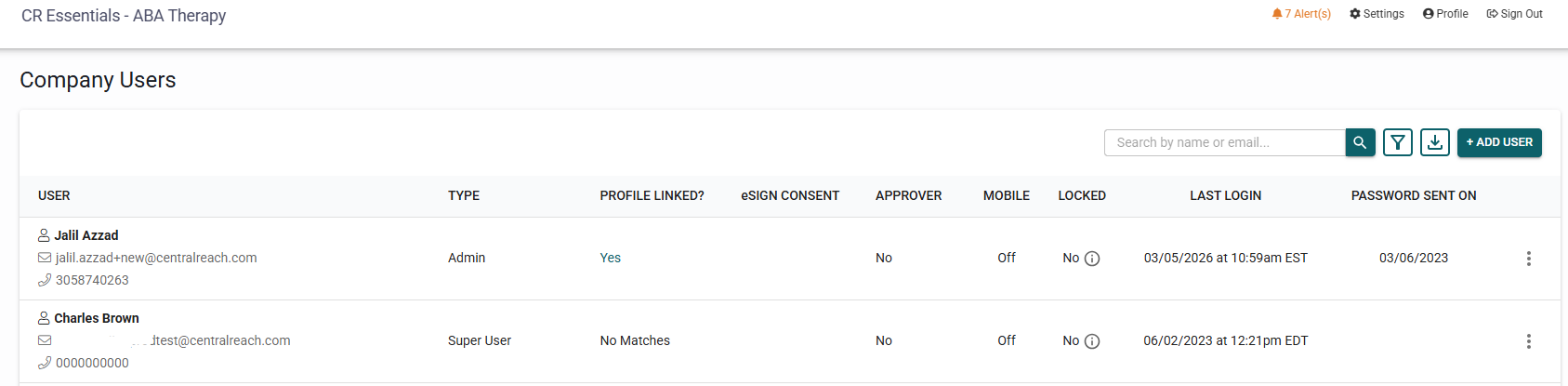
- Super User - This user type is meant for all administrative staff that need to login to CR Essentials but are not expected to provide direct clinical services to the company's clients. This type of user can be billers, schedulers, administrative assistants, etc. Super Users are counted towards the monthly invoice.
- Dual user - This is a combination of an admin/superuser and a therapist. A dual user is someone that is both an office staff member with administrative tasks and also a therapist that provides services to clients (click here for more details).
- Therapist - This user type is meant to be assigned to clinicians. They could be BCBAs, BCaBAs, RBTs, BTs or any other clinical staff member that will be scheduled to provide direct services to clients and will be creating notes attached to each visit.
Each therapist account creates a 1) therapist profile under the Therapists' Tab and 2) a user login under Settings>General Settings>Company Users. If either of those elements are active in the account, they will be counted towards the monthly invoice.

To correctly de-activate any employee from your account, please use our How to de-activate a Employee User Type article.
- Client's Caregiver - This user type is to be used by parents or guardians of the clients receiving services. There are usually the client's parents. This caregiver user gives them access to the caregiver portal which they can use to join 1-on-1 telehealth visits, pay their invoices through credit card, and signed files that have been shared with them.

To correctly de-activate a caregiver from your account, please use our How to De-activate a Client's caregiver article.